Would your apps still work if the internet went dark?
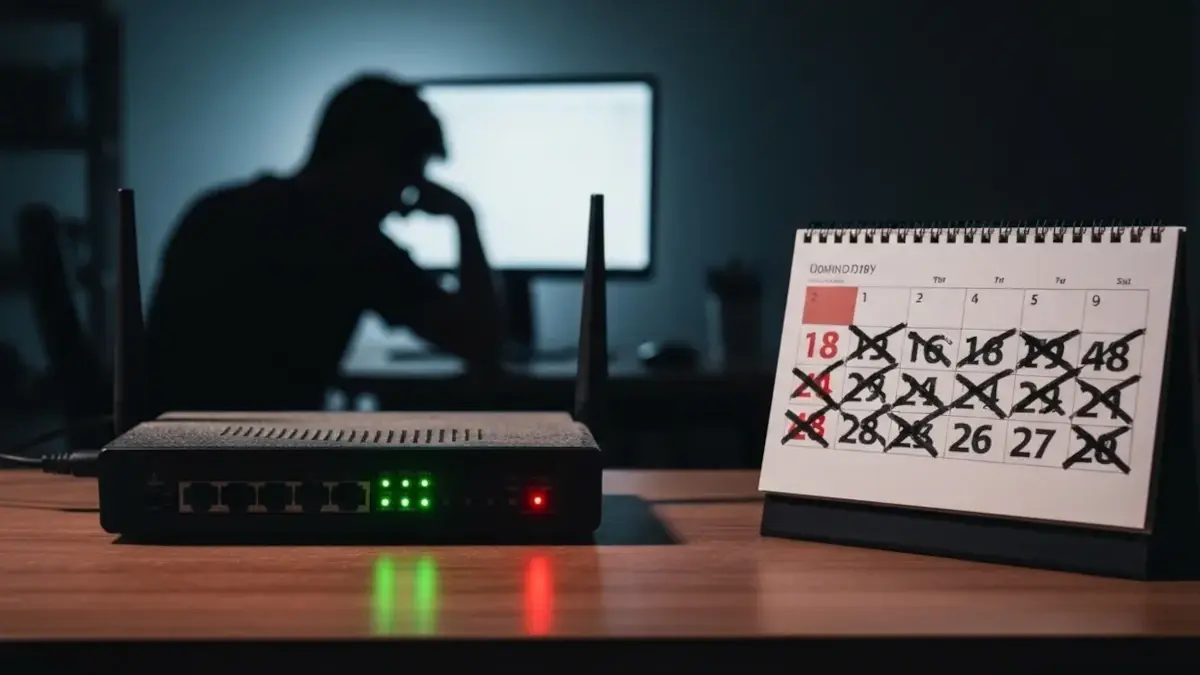
On 28 April 2025, at 10:33 UTC, Spain lost 15 gigawatts of electricity in five seconds, about 60% of national demand. Portugal went with it. Trains stalled, ATM screens went blank, and mobile networks dropped with the grid. Internet traffic fell as much as 90% below the previous week in Portugal, and between 75% and 93% for major providers in Spain.
You do not need a national blackout for your apps to fail the same way. On 19 and 20 October 2025, a DNS problem in Amazon's us-east-1 region stalled banks, retailers, and consumer apps worldwide. On 18 November 2025, a Cloudflare configuration file took down sites across its network, including X and ChatGPT, for several hours. In July 2024, a faulty CrowdStrike update affected about 8.5 million Windows devices and disrupted airlines and hospitals. Some shutdowns never come back: Vorwerk cut the Neato robot-vacuum cloud in October 2025, and Belkin ended Wemo cloud support on 31 January 2026.
If your software cannot open a file without phoning home, you do not own it. Here are eight offline-capable tools from the NoSubscription catalog that still work when the network does not.
The 20-minute airplane-mode test
Put your phone or laptop in airplane mode for 20 minutes, with no second device, and check the basics.
- Can you unlock your passwords?
- Can you open last week's documents and notes?
- Can you find last month's photos and play a file you actually have?
- Can you see a map of your own city?
- If the vendor cloud is gone, do your home devices still work on the local network?
If most answers are no, start with the tools below. A house power cut is harsher than an internet outage, because your router and NAS die when the UPS runs out. Keep the important files on the device itself, not only on a home server.
1. LibreOffice: documents that live on your disk
LibreOffice is a free office suite for writing, spreadsheets, and slides. It opens the Microsoft formats you already use, and it does that without a Microsoft 365 login.
If the file is on your computer, you can keep working. That is the whole point of an office suite, and it should not depend on someone else's servers staying up.
2. KeePassXC: a password vault that opens offline
KeePassXC stores your logins in an encrypted file on your machine. You unlock it with a master password, and you can copy a login even when there is no network.
A password manager that waits to "reach the server" is a single point of failure for everything else. Keep a backup of the vault file somewhere you control. If you want a Bitwarden-compatible setup you host yourself, look at Vaultwarden.
3. Syncthing: sync folders without a landlord
Syncthing copies folders between your computers and phones, peer to peer, with no cloud account in the middle. Changes can still move across your own devices on a local network when the internet is down.
The devices do need to be on and able to reach each other. Pair it with a machine that stays at home if you want a third copy. For a fuller home-cloud setup, see our guide to building Nextcloud on a NAS.
4. Joplin: notes that stay on your machine
Joplin is an open-source notes and to-do app. Your notes live in files you can export, including Markdown, and you can read and write them without a workspace login.
Sync is optional. You can do it with Syncthing or a service you host. The important part is that your notes are not trapped behind a tab that will not load.
5. Organic Maps: navigation without a signal
Organic Maps is a privacy-first maps and GPS app powered by OpenStreetMap. Download the regions you need in advance, and you can navigate without a cell signal or a Google account.
Do the download before you need it. An offline map is only useful if it is already on the phone.
6. VLC: play the files you actually have
VLC media player plays almost any audio or video file on your computer or phone, with no account and no stream.
Paid streaming is a service. A folder of files is a library. If the file is on the device, VLC will open it. For a home server of that library, look at Jellyfin or Immich for photos.
7. Home Assistant: a smart home that stays on the LAN
Home Assistant is an open-source home automation platform you run in your house. You can control lights, locks, and sensors from a system you host, instead of a vendor app in the cloud.
If a gadget only works through a company server, treat that smart feature as temporary. We cover this more in Hardware as a Service.
8. Ollama: AI that runs on your computer
Ollama runs large language models on your own machine, with a simple app, CLI, and API. You can chat, write, or plug the local API into other tools without sending every prompt to a cloud chatbot.
A model already downloaded to your computer keeps working when a cloud assistant is down. Jan and LM Studio are friendly alternatives, and we listed more in 5 free apps to run AI systems locally.
How to combine them
A practical offline-proof stack looks like this:
- LibreOffice handles documents, spreadsheets, and PDFs on your disk.
- KeePassXC keeps the vault in an encrypted file you can open in airplane mode.
- Joplin stores notes locally, and Syncthing copies them (and your documents and photos) between your devices.
- Organic Maps is on your phone, with your city already downloaded.
- VLC plays the media files you have copied locally. Add Immich or Jellyfin on a home server if you want a library on the LAN.
- Home Assistant runs the house on your network, not a vendor cloud.
- Ollama (or Jan or LM Studio) gives you a local assistant when cloud chat is down.
Keep important files on the laptop or phone itself, not only on the home server. A local server helps when the ISP fails. It does not help once the power and the UPS are gone.
Conclusion
You do not have to go off-grid. You just should not depend on the internet for work you can do on your own machine. Start with the 20-minute airplane-mode test, fix the failures that would hurt most (passwords, documents, notes, and photos), and replace the apps that are only a login.
Browse more free, freemium, and one-time tools in the NoSubscription catalog.