5 free apps to run AI systems locally
Artificial Intelligence has revolutionized how we work, but relying on cloud-based, subscription-driven models like ChatGPT or Claude brings privacy concerns and recurrent costs. Fortunately, the open-source community provides powerful tools that allow you to download and run Large Language Models (LLMs) completely on your own hardware.
By running AI locally, your data never leaves your computer, you don't have to pay monthly subscription fees, and you can work without an internet connection. Here are 5 excellent, free applications to help you get started with local AI:
1. Jan
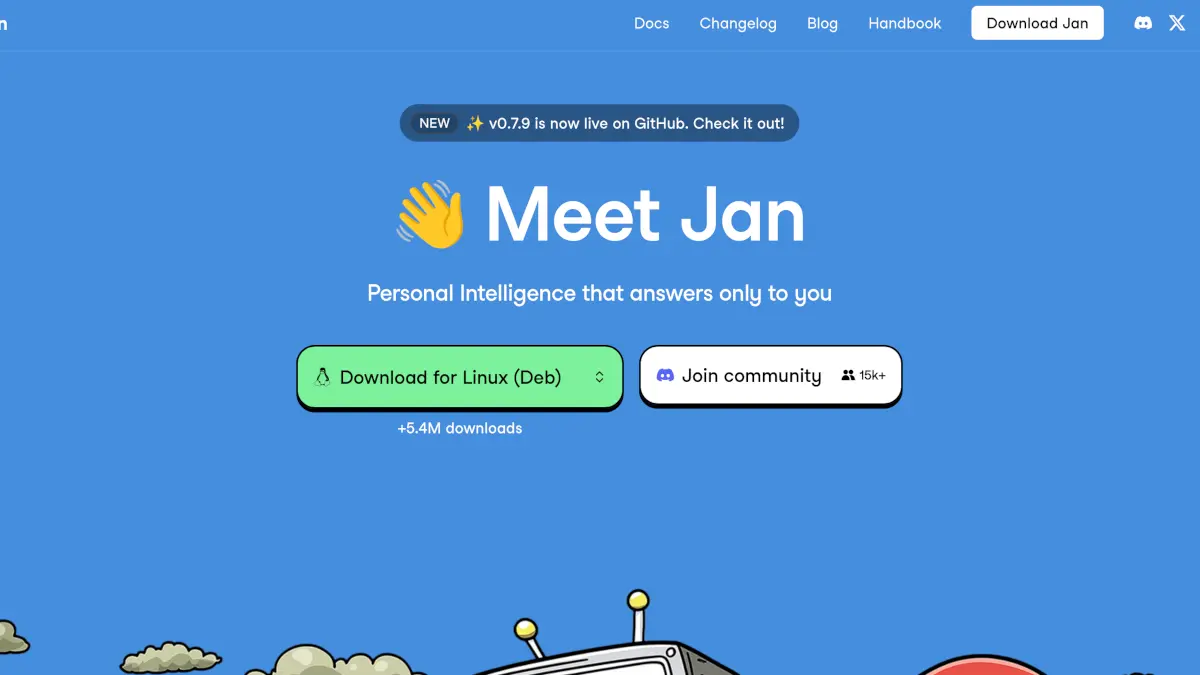
Jan is a fantastic, open-source desktop alternative to ChatGPT that runs 100% offline on your computer. It features a clean, user-friendly interface that lets you chat with various AI models right out of the box. Whether you are on Windows, macOS, or Linux, Jan makes downloading and managing local models simple, while keeping all your conversations strictly on your device.
2. Ollama
If you prefer a lightweight and developer-friendly approach, Ollama is one of the best ways to get up and running with large language models locally. Running smoothly from your command line, Ollama allows you to quickly download, run, and customize popular open-source models like Llama 3, Mistral, and more. It is highly optimized and widely integrated with other applications and developer tools.
3. LM Studio
For those who want vast options and an incredibly visual way to explore AI models, LM Studio is a superb application. It acts as a graphical hub where you can discover, download, and run thousands of different models straight from Hugging Face. LM Studio is designed to leverage your computer's GPU for fast text generation and even provides an in-app local server to use these models with other software.
4. Osaurus
Osaurus is a free and open-source AI runtime optimized for Apple Silicon Macs that lets you run large language models locally with native performance and privacy. It includes a SwiftUI desktop app, a local server compatible with OpenAI and Ollama APIs, a model manager, real-time system monitor, and a lightweight chat UI. Designed for developers and power users, Osaurus enables offline AI inference and integration with existing tools without cloud dependency.
5. Locally AI
Locally AI is a free privacy-first AI chat and assistant app that runs entirely on your iPhone, iPad and Mac, performing all AI processing locally without internet, cloud dependence, or data collection. It supports multiple open-source models optimized for Apple Silicon and offers voice and text interactions, image understanding, and deep integration with system features.
Conclusion
Taking back control of your AI usage is not only possible but easier than ever. With apps like Jan, Ollama, LM Studio, Osaurus, and LocalAI, you can tap into the power of cutting-edge artificial intelligence while protecting your privacy and avoiding monthly subscriptions. Download one today and start building your own private AI setup!