6 free tools for working with PDF files
PDF documents are essential for both personal and professional tasks, from sharing resumes and reports to signing contracts. However, the most popular PDF editing software often comes with steep price tags and monthly subscription fees. Fortunately, there are excellent free and open-source alternatives that allow you to read, edit, merge, and convert your PDF files without spending a dime.
Here are 6 fantastic, subscription-free tools for working with PDF files:
1. BentoPDF
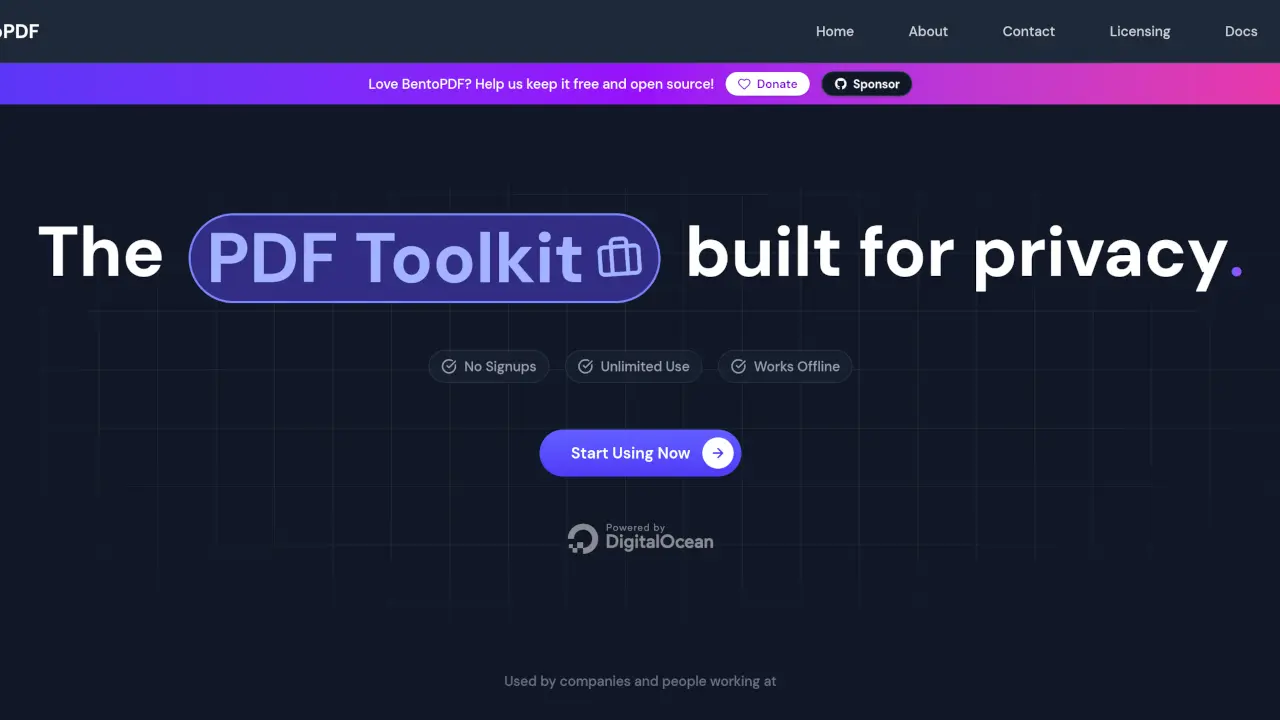
BentoPDF is an excellent open-source tool that brings simplicity and efficiency to your PDF management. It offers a clean, straightforward interface that makes reading and annotating documents a breeze. Without relying on subscriptions, BentoPDF provides a lightweight yet capable solution for handling your everyday PDF needs while respecting your privacy and keeping your data secure on your device.
2. RevPDF
If you are looking for speed and reliability, RevPDF is a robust alternative. Designed to be fast and user-friendly, it allows you to quickly view and navigate through large PDF documents without lag. As an open-source tool, it gives you the confidence of knowing that no hidden trackers are monitoring your reading habits, making it a perfect choice for privacy-conscious users who want an efficient PDF viewer.
3. PDFgear
PDFgear is a powerful, completely free PDF editor that comes packed with features you would normally expect from premium software. It allows you to edit text and images directly within the PDF, annotate, merge, and convert files seamlessly. What sets PDFgear apart is its integration of AI features that help you summarize, translate, and interact with your documents natively, all without a subscription.
4. iHatePDF
Despite its humorous name, iHatePDF is a highly practical collection of offline, open-source PDF tools. Designed for those who want to avoid uploading their sensitive documents to web-based converters, it provides a simple interface to manipulate PDFs directly on your computer. Whether you need to split, merge, or convert files, iHatePDF gets the job done quickly and locally.
5. PDF24 Tools
PDF24 Tools offers an incredibly comprehensive suite of utilities for almost any PDF-related task you can imagine. Available as both a lightweight desktop application and an online service, it lets you merge, compress, protect, unlock, and convert PDFs to various formats. The desktop version is completely free and works entirely offline, ensuring that your confidential files never leave your computer.
6. PDF Arranger
When you just need to reorganize a document, PDF Arranger is the perfect minimalist tool. This small, open-source application excels at what it does: merging, splitting, rotating, cropping, and rearranging pages within PDF documents. Its drag-and-drop interface is intuitive, making it incredibly easy to combine multiple PDFs into one or extract specific pages without navigating complex menus.
Conclusion
Managing and editing PDF files shouldn't require an expensive, recurring monthly fee. With these 6 free and open-source tools, you can handle everything from simple reading and page rearranging to full-text editing and AI-powered summaries. Give them a try, protect your privacy, and keep your wallet full by switching to subscription-free software!