3 free applications to keep your PC clean and optimized (Windows, Mac, Linux)
Over time, our computers tend to accumulate a massive amount of digital junk. Temporary files, web cache, old logs, and leftover data from uninstalled apps can significantly slow down your system and eat up valuable storage space.
While many companies try to sell you expensive monthly or yearly subscriptions for "PC Optimizers", the truth is that you can keep your computer running like new for free. To help you reclaim your storage space and performance, we have selected three outstanding, completely free tools, one for each major operating system.
Here are 3 free applications to optimize your PC:
1. Wise Disk Cleaner (Windows)
If you are a Windows user, you probably know how fast the C: drive can fill up with unnecessary files. Wise Disk Cleaner is a fantastic, lightweight tool that specifically targets this issue.
Unlike bloated paid alternatives that constantly run in the background and bombard you with pop-ups, Wise Disk Cleaner is agile and straightforward. It safely removes temporary files, clears your browser history and cache, and even helps defragment your hard drive to improve system speed. Best of all, it's completely free to use without nagging you to upgrade to a premium subscription.
View Details on NoSubscription.org
2. Stacer (Linux)
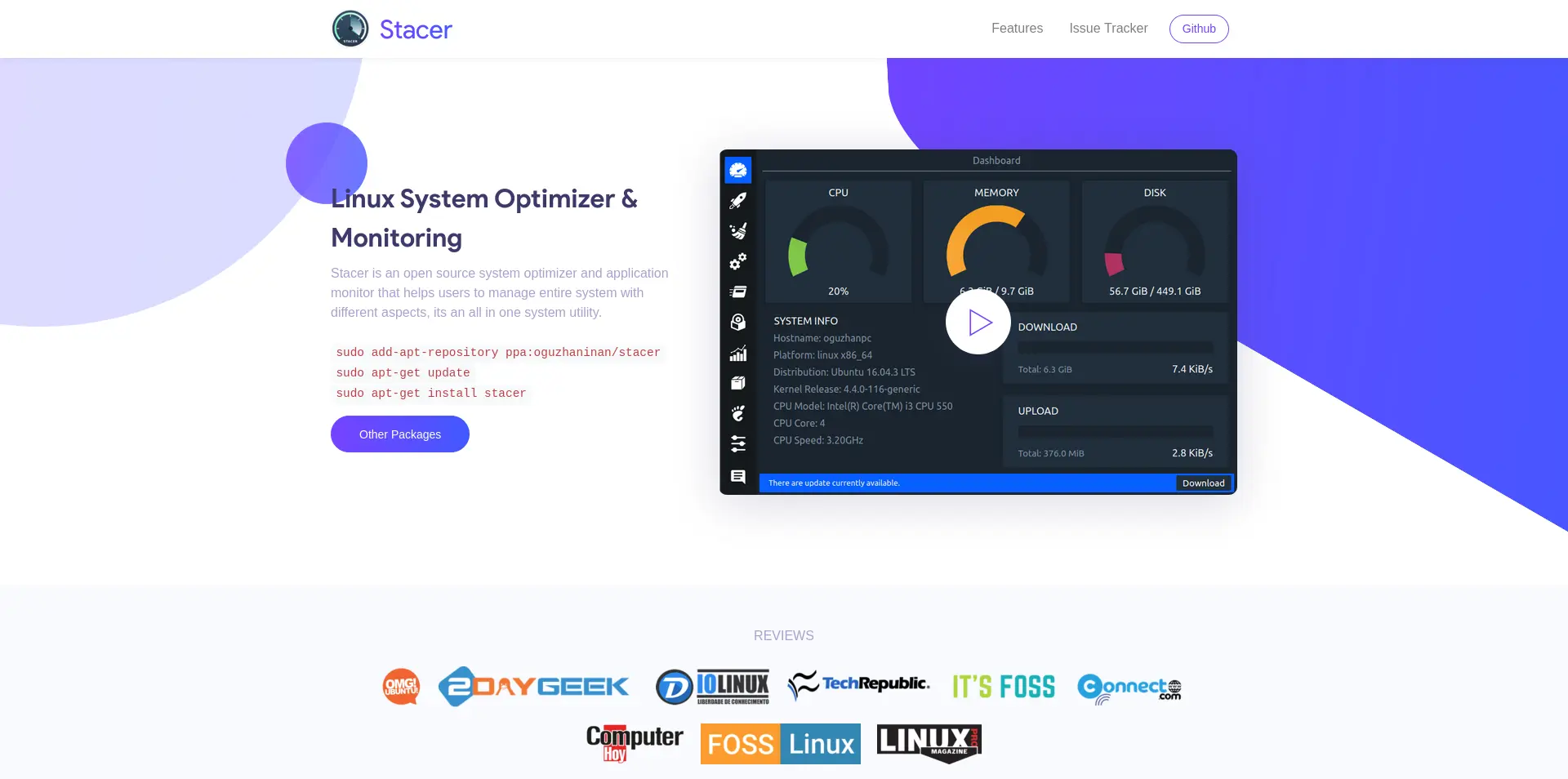
Linux systems are generally efficient, but they still benefit from occasional maintenance. Stacer is an open-source system optimizer and application monitor designed specifically for Linux users.
It features a beautiful, modern dashboard where you can easily manage startup applications, monitor system resources (CPU, Memory, Disk), and clear out package caches, application logs, and trash. It's an all-in-one utility that gives you complete control over your Linux environment without requiring complex terminal commands.
View Details on NoSubscription.org
3. Pearcleaner / Mac App Cleaner (macOS)
Uninstalling apps on a Mac isn't always as simple as dragging the icon to the Trash. Many applications leave behind hidden configuration files and application support folders that waste space.
A dedicated Mac App Cleaner helps you thoroughly uninstall applications by finding and removing all those associated leftover files. It's a small, incredibly fast utility that ensures your macOS remains clean and lean. Why pay a persistent monthly fee for a "Mac cleaning suite" when a free, focused tool does the essential job perfectly?
View Details on NoSubscription.org
Conclusion
System optimization shouldn't come with a recurring price tag. By using Wise Disk Cleaner for Windows, Stacer for Linux, or a dedicated App Cleaner for macOS, you can effectively maintain your computer's health, protect your privacy by clearing traces, and free up gigabytes of storage, all while supporting free or open-source software.
Start cleaning your digital space today and experience a faster, more responsive computer without the subscription burden!