4 secure browsers to protect your online privacy
Your web browser is your window to the internet, but it can also be a massive leak of your personal data. Standard web browsers often track your activity, harvest your data, and map your online behavior to serve targeted ads.
If you want to take back control of your digital life, the first and most important step is switching to a privacy-respecting browser. Here are 4 secure browsers that prioritize your privacy over profit.
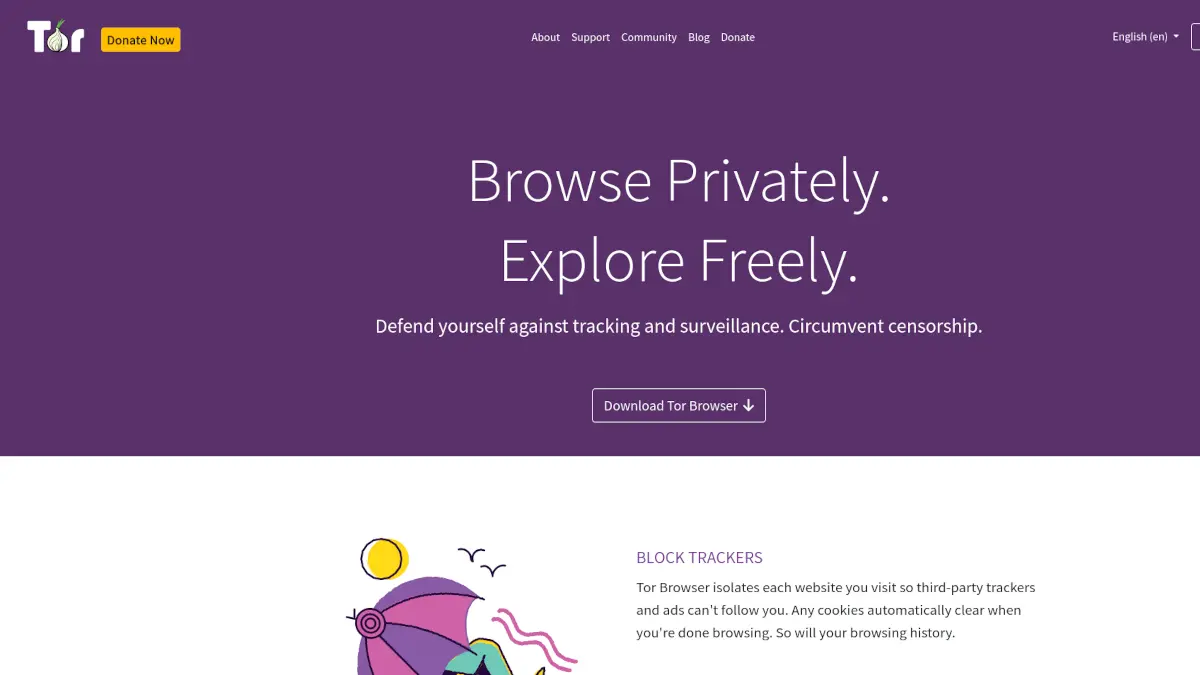
1. Tor Browser
The Tor Browser is the gold standard for anonymity and privacy online. Unlike traditional browsers, it routes your traffic through the Tor network, a decentralized network of relays run by volunteers worldwide. This makes it incredibly difficult for anyone to track your connection or figure out your physical location.
If you need maximum privacy and anonymity, Tor is unmatched. Keep in mind that speed might be slightly lower due to the multi-hop routing process.
👉 View Tor Browser on NoSubscription.org
2. LibreWolf
If you love Firefox but hate the telemetry and built-in tracking features, LibreWolf is exactly what you need. It is a custom, independent fork of Firefox that focuses entirely on privacy, security, and user freedom.
LibreWolf strips out all the telemetry, background data collections, and sponsored content found in standard Firefox. It comes out of the box with strong privacy settings and uBlock Origin included, making it a fantastic "install and forget" choice.
👉 View LibreWolf on NoSubscription.org
3. Mullvad Browser
Built in collaboration between Mullvad VPN and the Tor Project, the Mullvad Browser brings Tor-level fingerprinting protection to a daily-use browser. While it doesn't use the Tor network to route traffic (meaning speeds are normal), it utilizes the same anti-fingerprinting technology to ensure that your browser looks identical to every other Mullvad Browser user.
It is designed to be used in conjunction with a VPN to completely mask your identity and prevent websites from tracking you across the web.
👉 View Mullvad Browser on NoSubscription.org
4. Brave
Brave is built on Chromium but radically diverges from Google Chrome when it comes to user privacy. It features "Brave Shields", a built-in ad and tracker blocker that is enabled by default. It stops cross-site trackers, blocks invasive scripts, and significantly improves page loading speeds by dropping heavily tracked ads.
For most users transitioning from mainstream browsers, Brave offers the easiest learning curve, excellent compatibility with Chromium extensions, and fantastic out-of-the-box privacy protection.
👉 View Brave on NoSubscription.org
Conclusion
Taking control of your digital identity starts with your browser. While each of these tools has a different approach, from absolute anonymity with Tor, to daily tracking prevention with LibreWolf and Mullvad, or user-friendly blocking with Brave, they all share a common goal: respecting your privacy. Choose the one that best fits your workflow and start browsing securely today.